Home › Play Sudoku online
Play Sudoku online — free, no sign-up
Start playing — no sign-up needed
The same grid as in the app — ten levels, pencil marks, hints that name the technique. No account, no email, no ads while you play.
Loading the game…
Want to learn the technique?
This hint is based on a solving technique. In the app, the lesson on it is just a tap away — with an example, practice and a quiz.
Solved!
- —Solved cells
- —solved independently
- —Hints / cells solved by hints
- —Errors
The app does more
- One suite: five Sudoku tools that mesh together.
- Offline: every feature works without an internet connection.
- Free: download and play, no sign-up.
- Smoother: the app runs on your device instead of in a browser.
- and much more
You can play straight away — no account, no sign-up, and no ads while you play. Pick one of the ten levels, from Starter to Titan, and off you go.
The app does more
The same game — just without the limits a browser puts on it.
- One suite: five Sudoku tools that mesh together.
- Free: download and play, no sign-up. No account, no email.
- Unlimited puzzles: the app generates every Sudoku itself — always a new one, always with exactly one solution, always solvable without guessing.
- Offline: every feature works without an internet connection. Wherever you are, SudoSuite needs no signal. Just battery.
- Smoother: the app runs on your device instead of in a browser. Nothing has to download mid-game, nothing stutters when you tap.
- Controls made for your device: cell size, digit bar and thumb reach follow your screen — not a browser window.
- Your game waits for you: if you have to stop, you pick up later exactly where you left off.
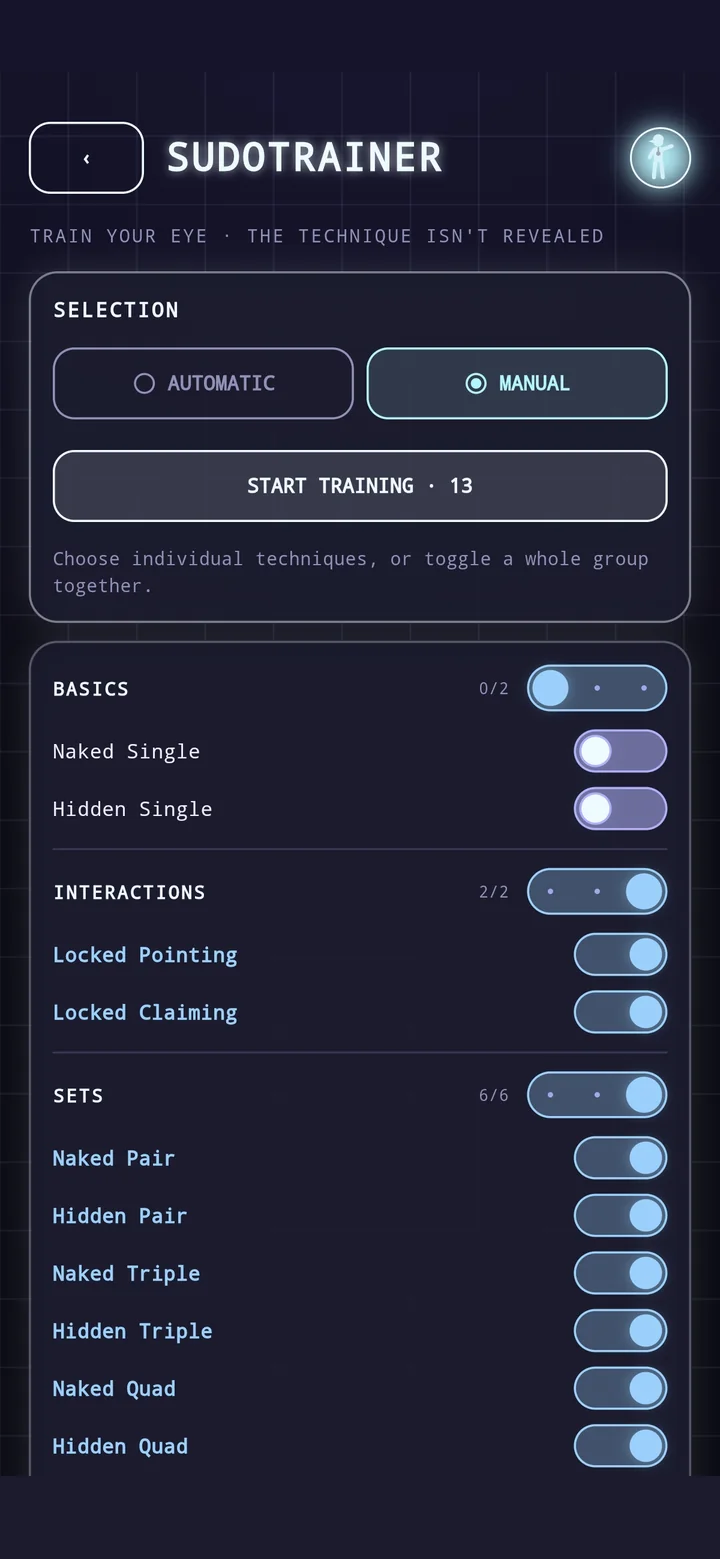
- SudoTrainer — quick rounds: a single situation instead of a whole puzzle, with exactly the techniques you feel like playing. Solve it on your own, with a hint or with the guide — then straight on to the next.
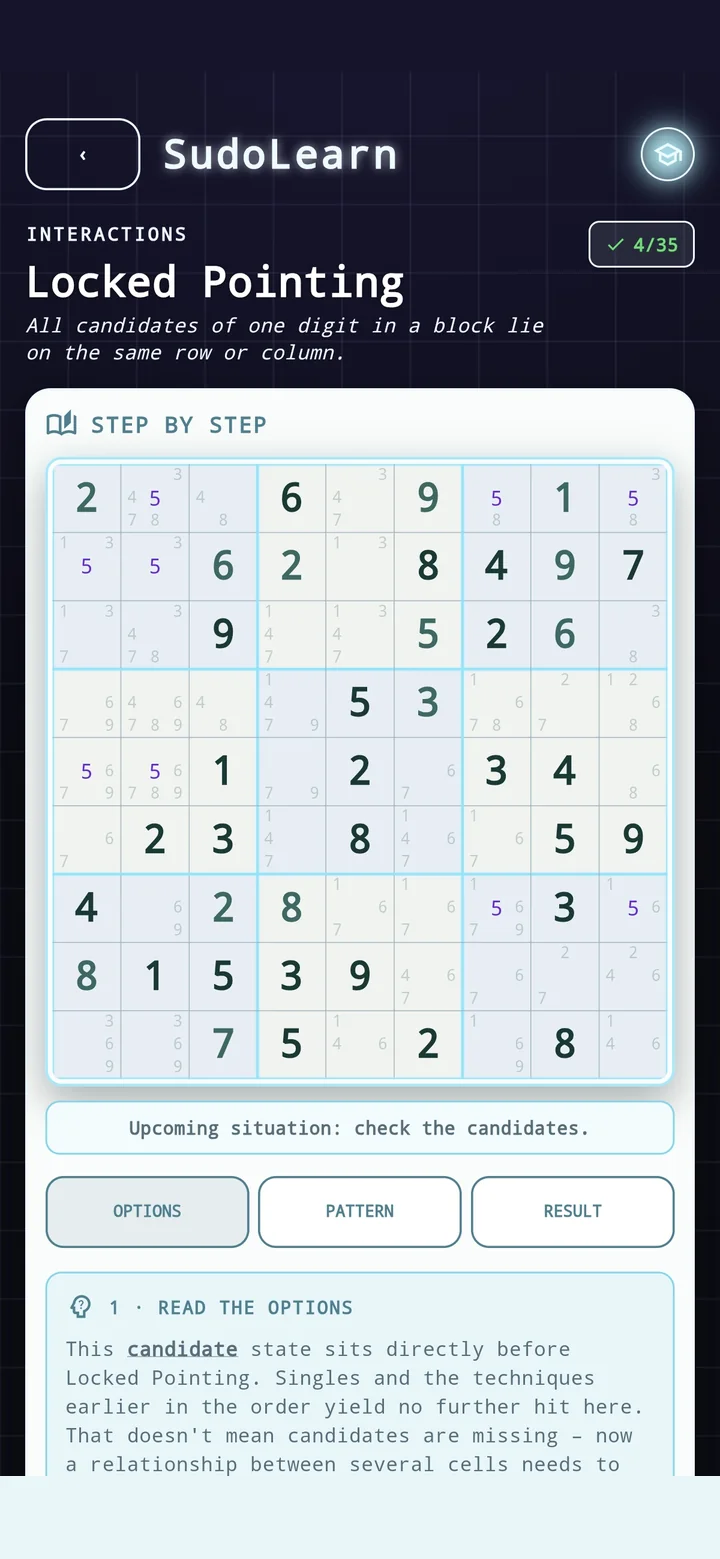
- SudoLearn: explains a technique, lets you practise it and checks your reasoning — not just the answer.
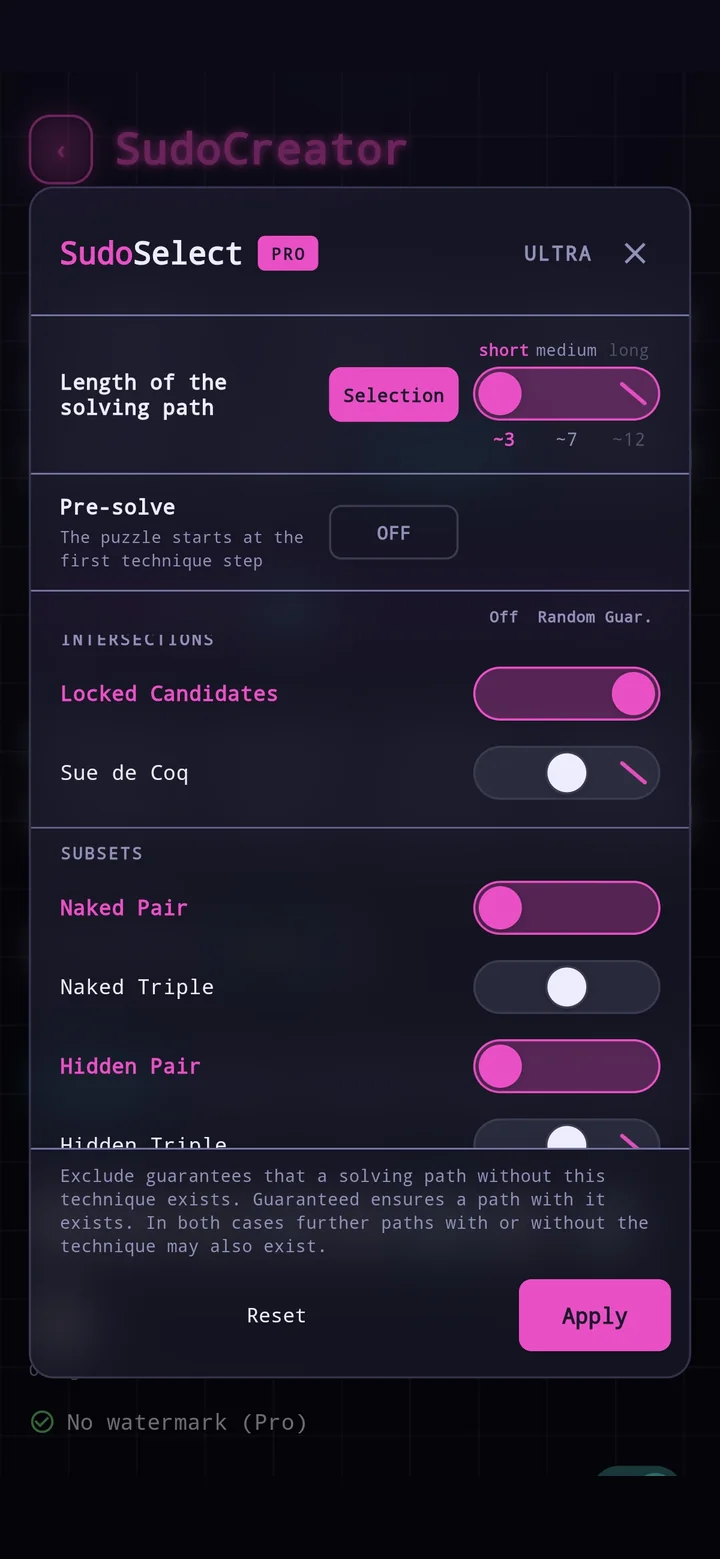
- SudoSelect (Pro): you decide which techniques turn up — ruled out or guaranteed.
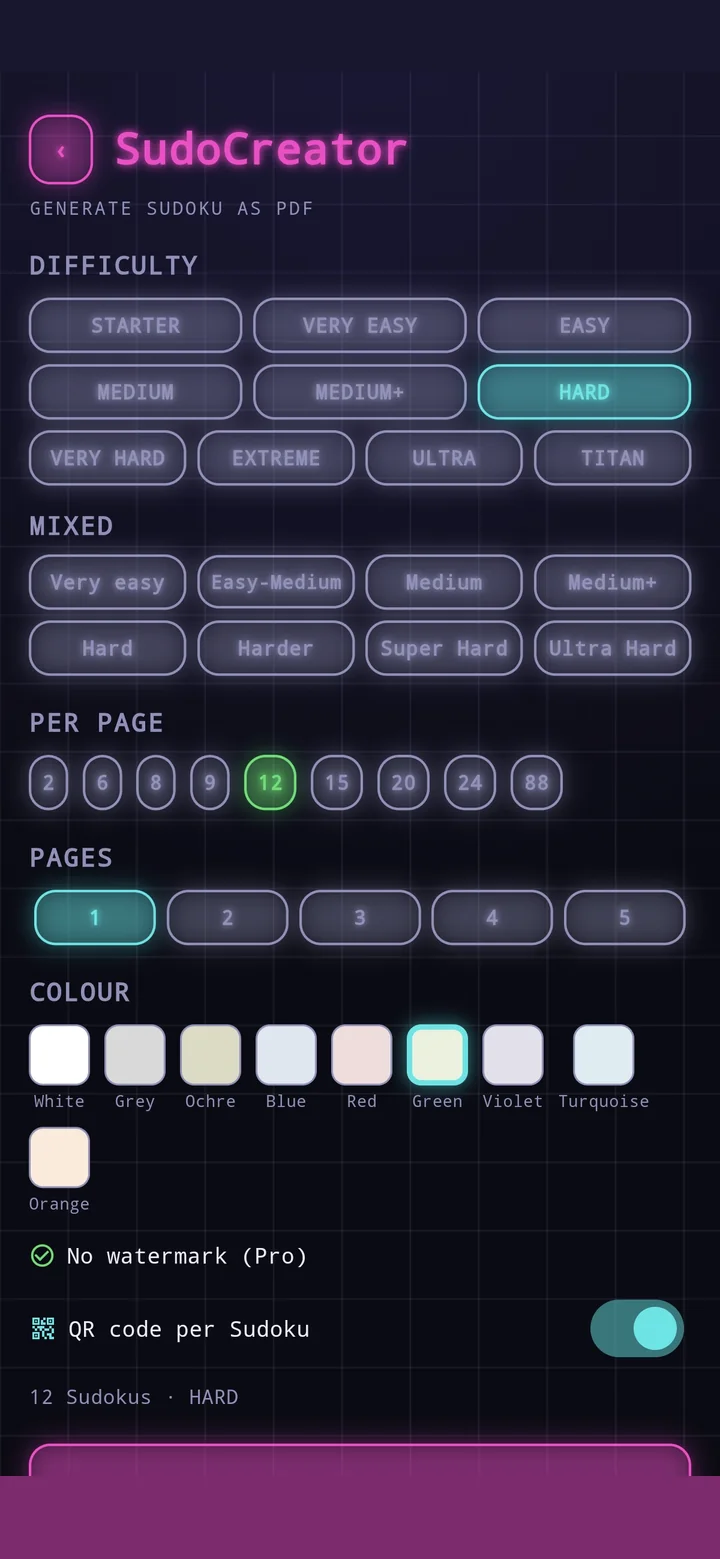
- Print and solve: your own booklets as PDF — and the QR code on the sheet brings up hints and the solution.
- Never any ads during play. While you are solving, nothing interrupts you.
- No subscription: if you want even more features, you buy Pro once — and it is yours for good.
What you can do on the grid
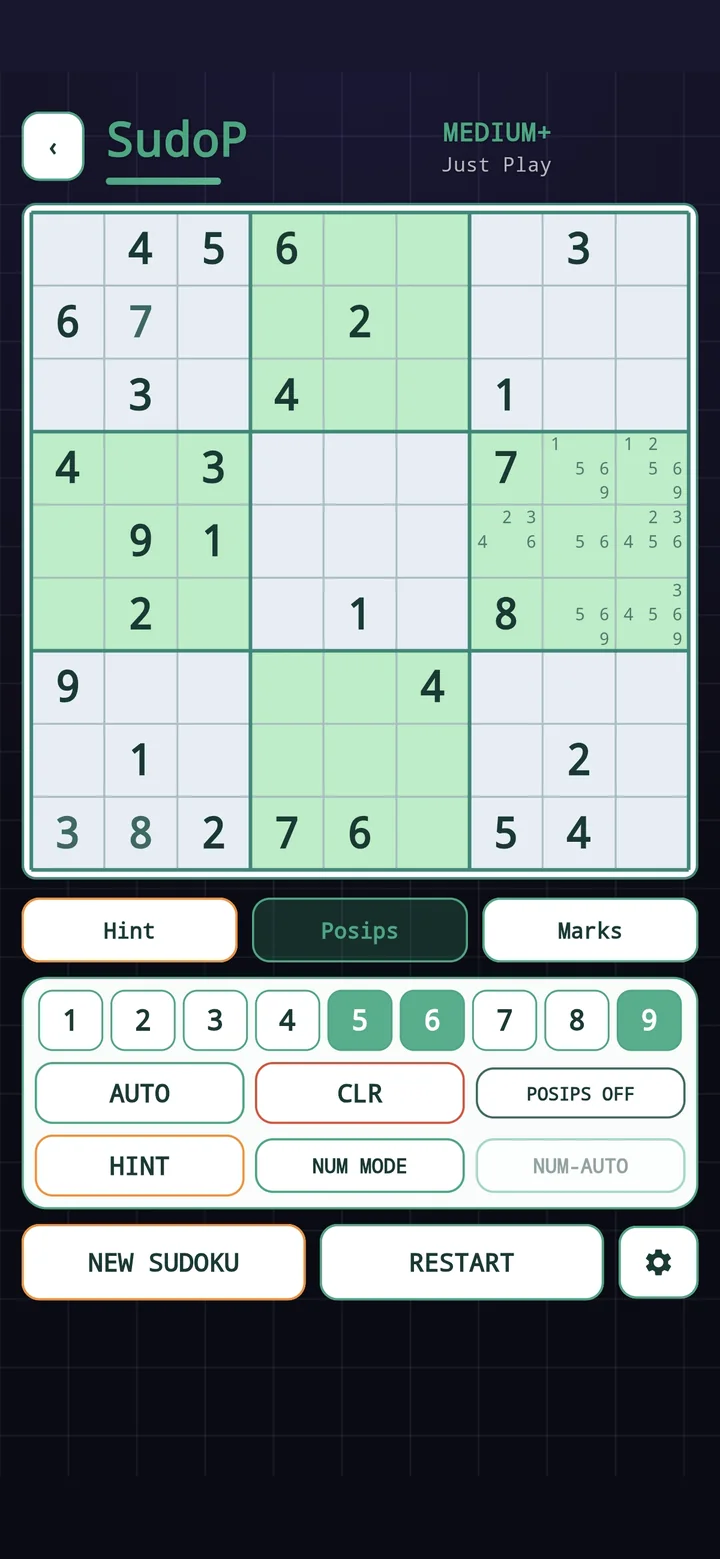
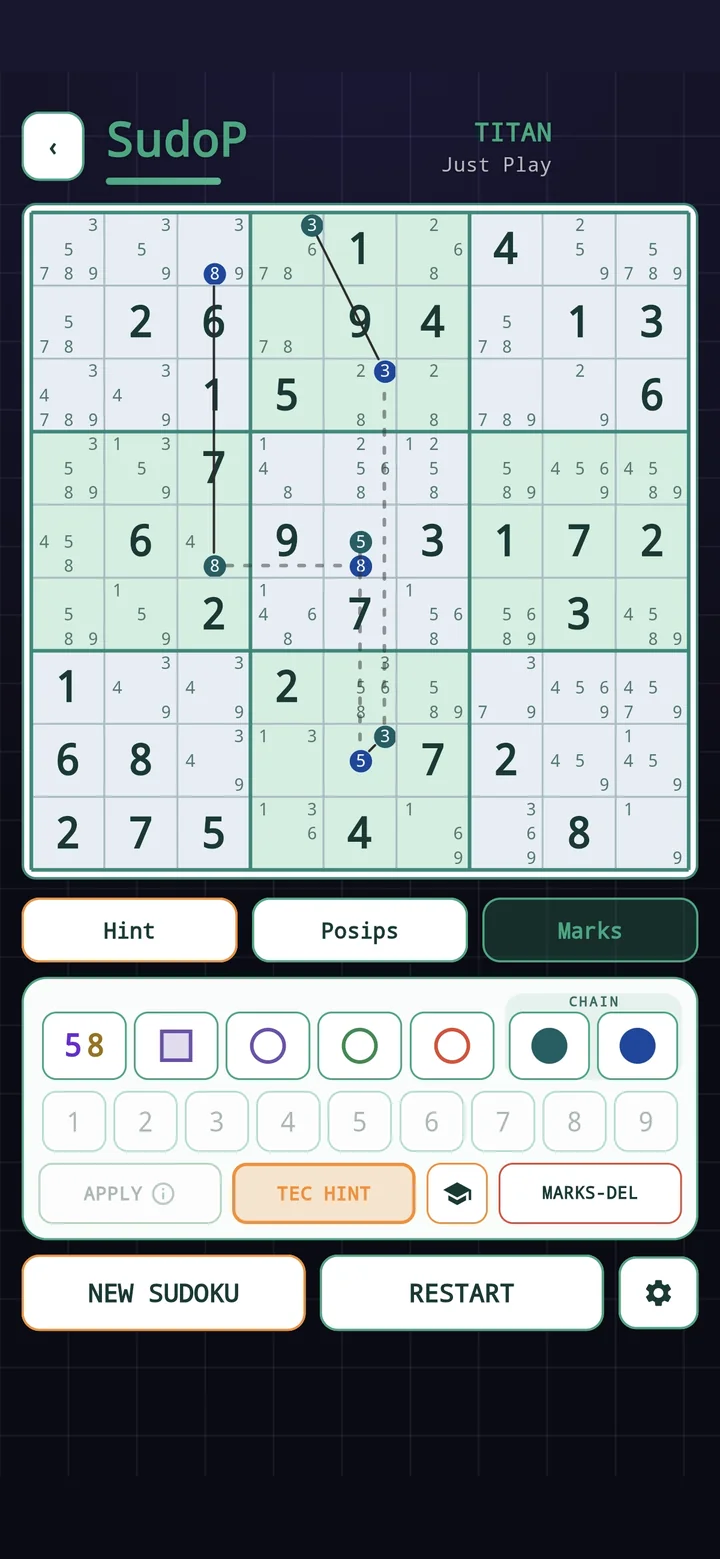
The grid above is the same one as in the app — same controls, same puzzles. If this is your first time, half a minute is enough to find your way around:
- Place a digit: tap the cell, then the digit in the bar below. A wrong entry stands out at once.
- Pencil marks (Marks): write several candidates into one cell — just as you would on paper with a pencil.
- Posip: shows you every cell a digit could still go in. Often the quickest way to your next move.
- Hint: names the next cell and the technique that leads there — it does not simply give the digit away.
- New Sudoku: brings up the next puzzle at your level straight away.
The ten difficulties
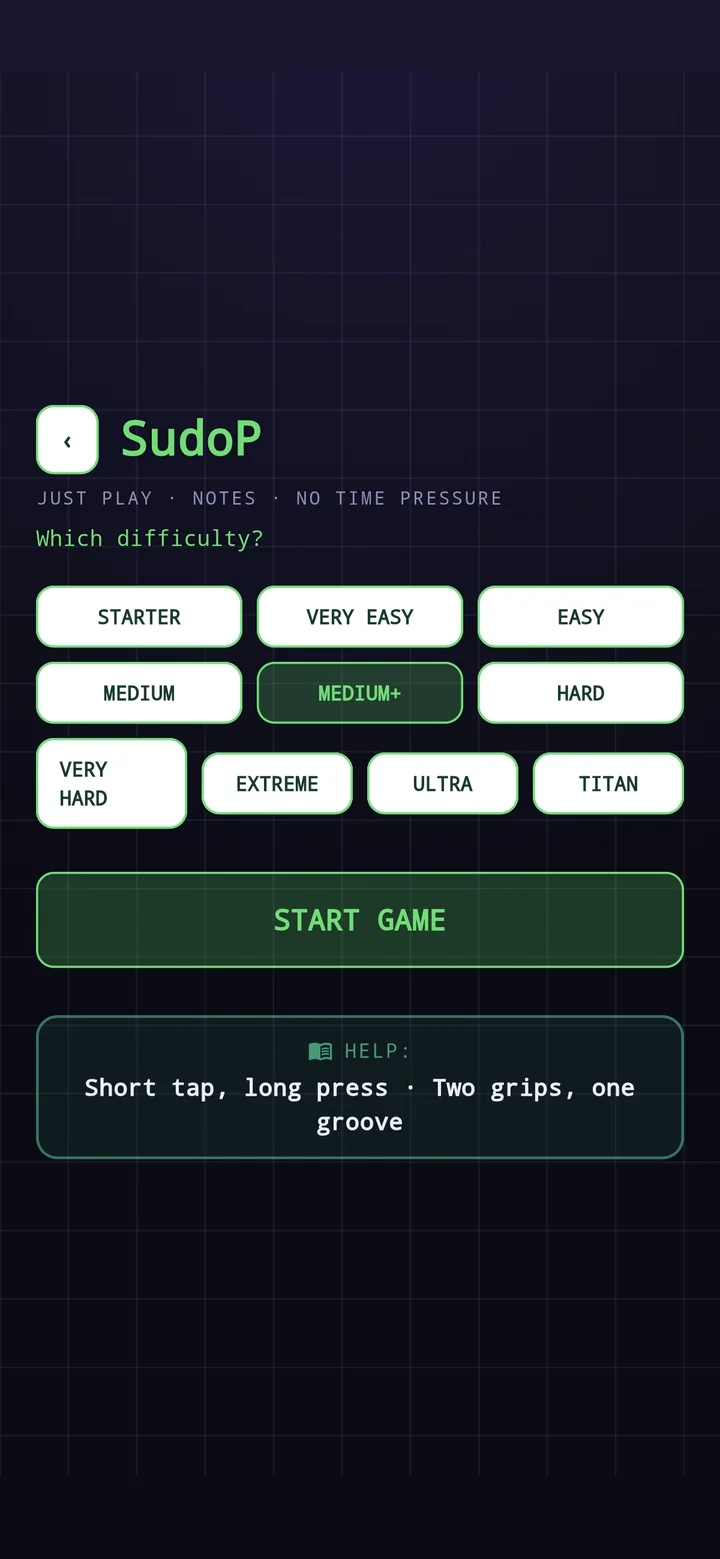
From Starter for your first steps, through Medium and Hard, up to Ultra and Titan. Every puzzle is solvable without guessing and has exactly one solution; both are checked before it is delivered. A Sudoku does not get hard here by leaving out givens, but by the technique it demands: on Very hard that is usually Locked Candidates, from Extreme upwards X-Wing and Swordfish join in, and every Titan holds at least one real chain.
Play online, or get the app?
What you play here is not a stripped-down version but the very same grid — only in a browser. So the difference is not in individual features at all. It lies in how it all hangs together.
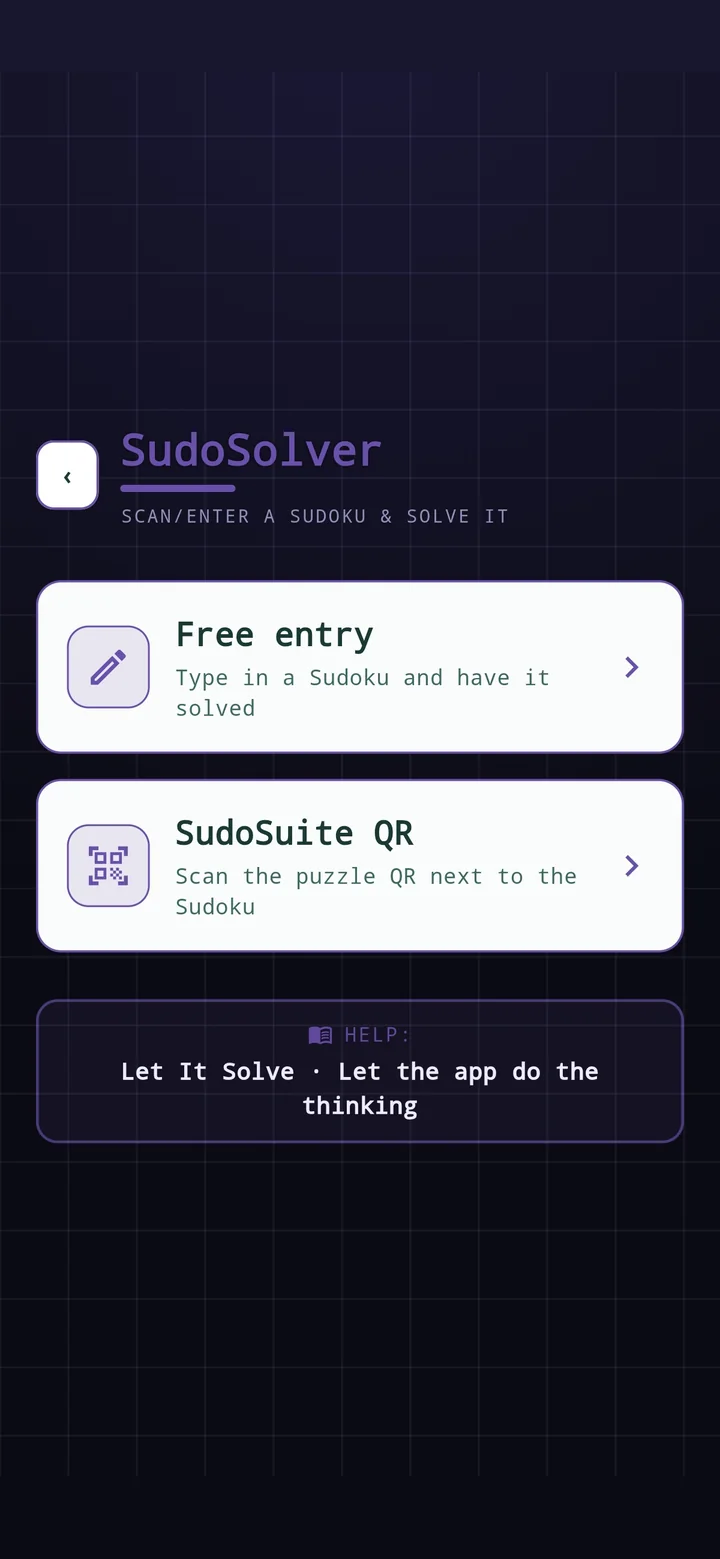
In the app you never come to a dead end. If a technique pulls you up short while you are solving, one tap puts you in the learning area. From there, a quick round drills exactly that technique. And then you are back in the game, at the very same spot. SudoCreator turns your settings into a booklet to print. SudoSolver takes any puzzle at all: type it in — out of the newspaper, say — or scan the QR from your own sheet. Then it walks you through it step by step, with the reasoning and not just the answer. These are not five programs side by side — they are one: same controls, same colours, same logic, whichever part you are in.
And if you only play a Sudoku now and then, the app is worth it all the more. For the three minutes at the bus stop there is SudoTrainer: one situation instead of a whole puzzle, with exactly the techniques you like — solve it, move on, next one. No account, no subscription, and never any ads during play.
Just as easy as it is here: install it and off you go. The only difference is that afterwards it is all there, always — on a train, on a plane, down in the cellar, with no internet at all.
Common questions
Can I play Sudoku online here without signing up?
Yes. No account, no email, no installation — you press the button and play. What the page remembers, such as the level you chose last, stays in the browser on your own device. There is no syncing and no account.
Does it work on a phone?
Yes — and on a phone the game takes over the whole screen. To be straight about it: the first start downloads around 14 MB — a few seconds on Wi-Fi, longer on a weak connection. After that it all sits in the browser cache and starts instantly. If you play often, or you are out and about with no signal, you are better off with the app.
What does playing Sudoku online cost — and where is the catch?
Nothing, and there is none. No account, no trial period, and all ten levels from Starter to Titan are free to play here. The app is free as well; if you want more features, you buy Pro once — there is no subscription.
Are the puzzles really solvable, or do I have to guess?
You never have to guess. Every puzzle has exactly one solution and is solvable without guessing; both are checked before it is delivered. A Sudoku gets hard here through the technique it demands — not by leaving out givens.